freebeat

See what freebeat ai examples can become from prompt to first cut

These freebeat ai examples show how a clear song brief, visual mood, and scene direction can become a usable starting point for a music video. Use the workflows below to shape an idea before you produce.

Prompt hands off to the product
Creative music video scene with a performer and animated light

The scenario's pain

Music video ideas often stall between a song and a finished brief. The useful question is not whether an image looks impressive, but whether each prompt helps you decide on a subject, setting, movement, or visual rhythm.

  1. 1 prompt, verbatim
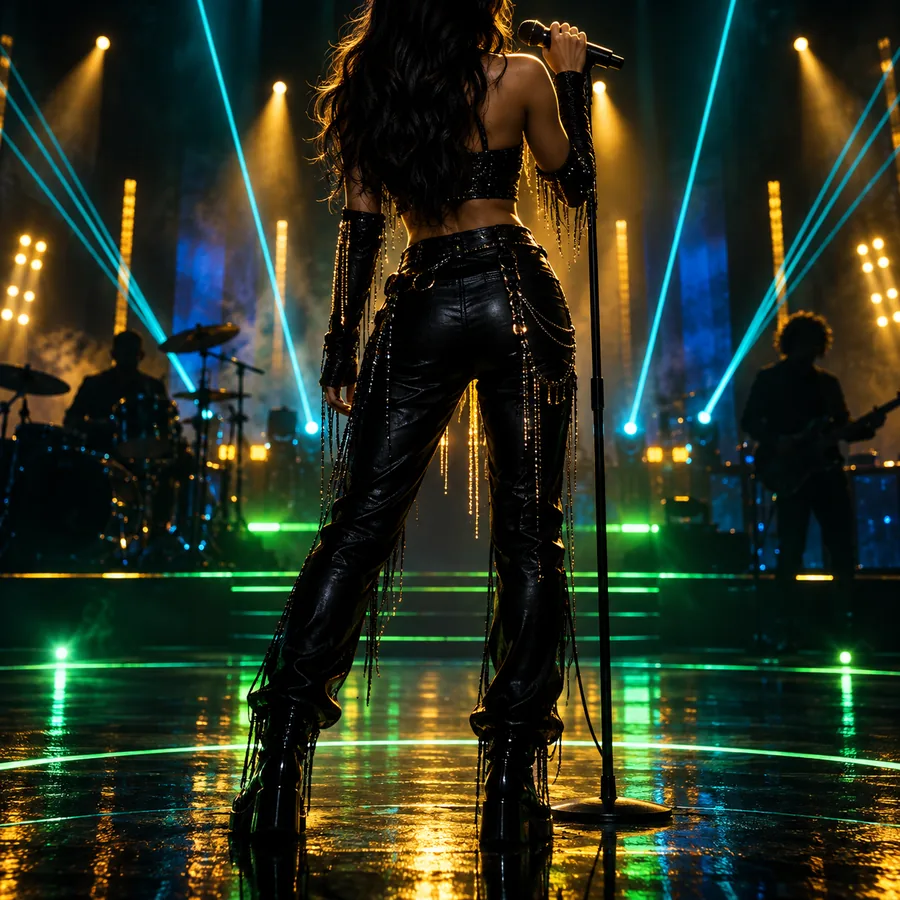
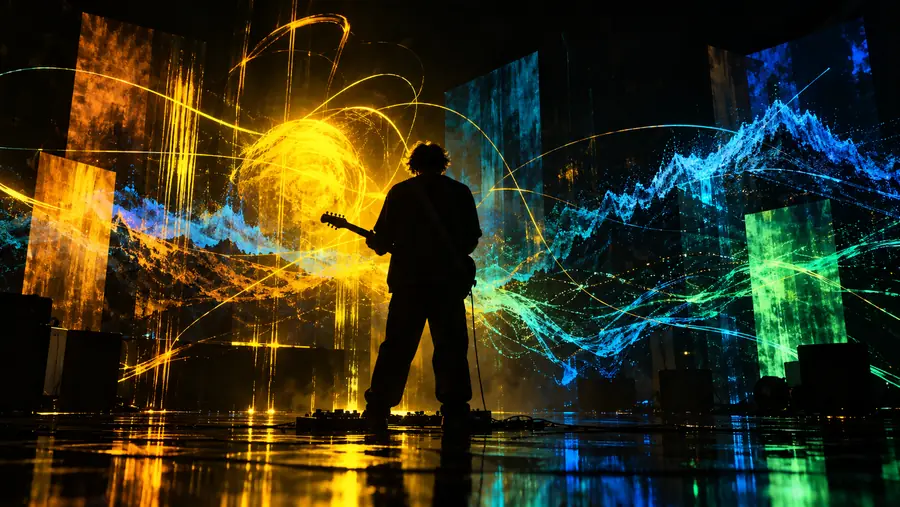
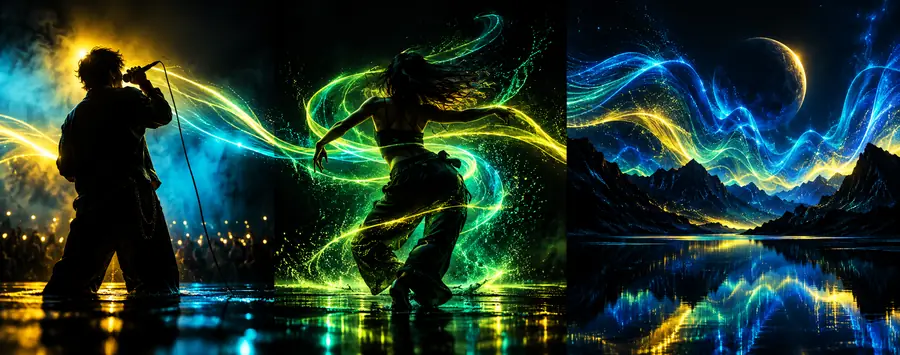
    A soulful singer performing alone in a warm amber room, intimate close-up, soft haze, expressive hands, cinematic music video still
    Performance scene Vocal-led · warm light
    Singer performing in a warm amber room Performance result
  2. 2 prompt, verbatim
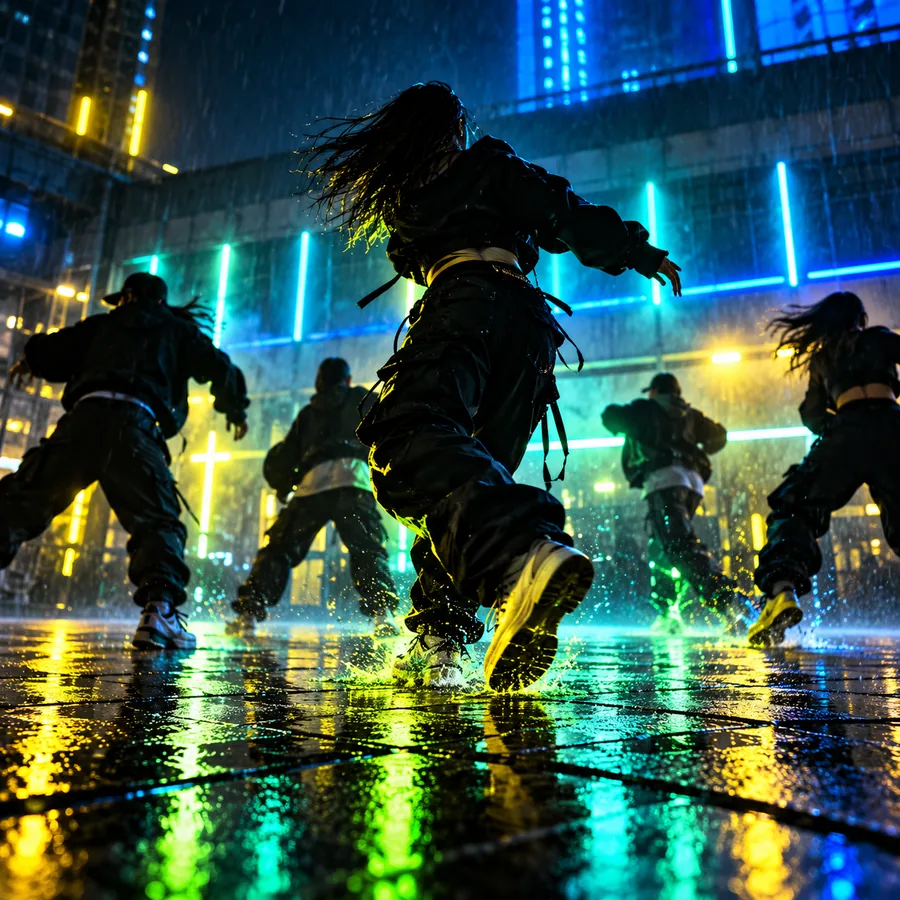
    A contemporary dancer moving through a deep blue studio, fabric trailing behind, dramatic side light, fluid motion, editorial music video frame
    Dance sequence Movement-led · blue palette
    Dancer moving through a blue-lit space Dance result
  3. 3 prompt, verbatim
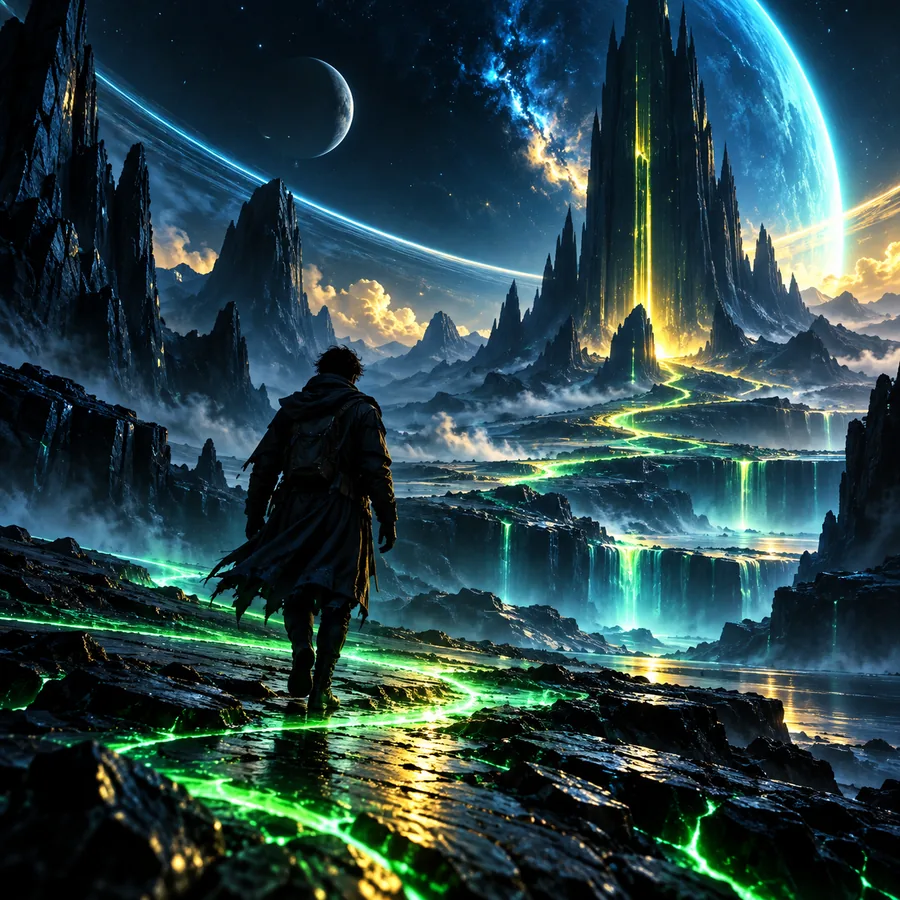
    A lone figure approaching a glowing blue portal in a dark landscape, atmospheric fog, wide composition, surreal electronic music video scene
    Concept scene Wide shot · surreal mood
    Surreal blue portal in a dark landscape Concept result

Keep the subject, mood, camera language, and movement in the prompt; change one variable at a time as you refine the result.

Three concrete workflows

The strongest Freebeat projects usually begin with a narrow creative job. These examples separate the first decision from the visual polish, so the output remains useful rather than merely decorative.

  • Singer in a softly lit amber performance room Artist performance
    Workflow 1: Build a performance reference from the song's emotional center. Input: vocal mood and room direction
  • Dancer crossing a blue studio with flowing fabric Movement study
    Workflow 2: Turn a repeated beat or chorus into a movement brief. Input: tempo, gesture, and color
  • Figure facing a glowing portal in a foggy landscape Visual metaphor
    Workflow 3: Give an abstract track one memorable visual symbol. Input: theme, setting, and contrast
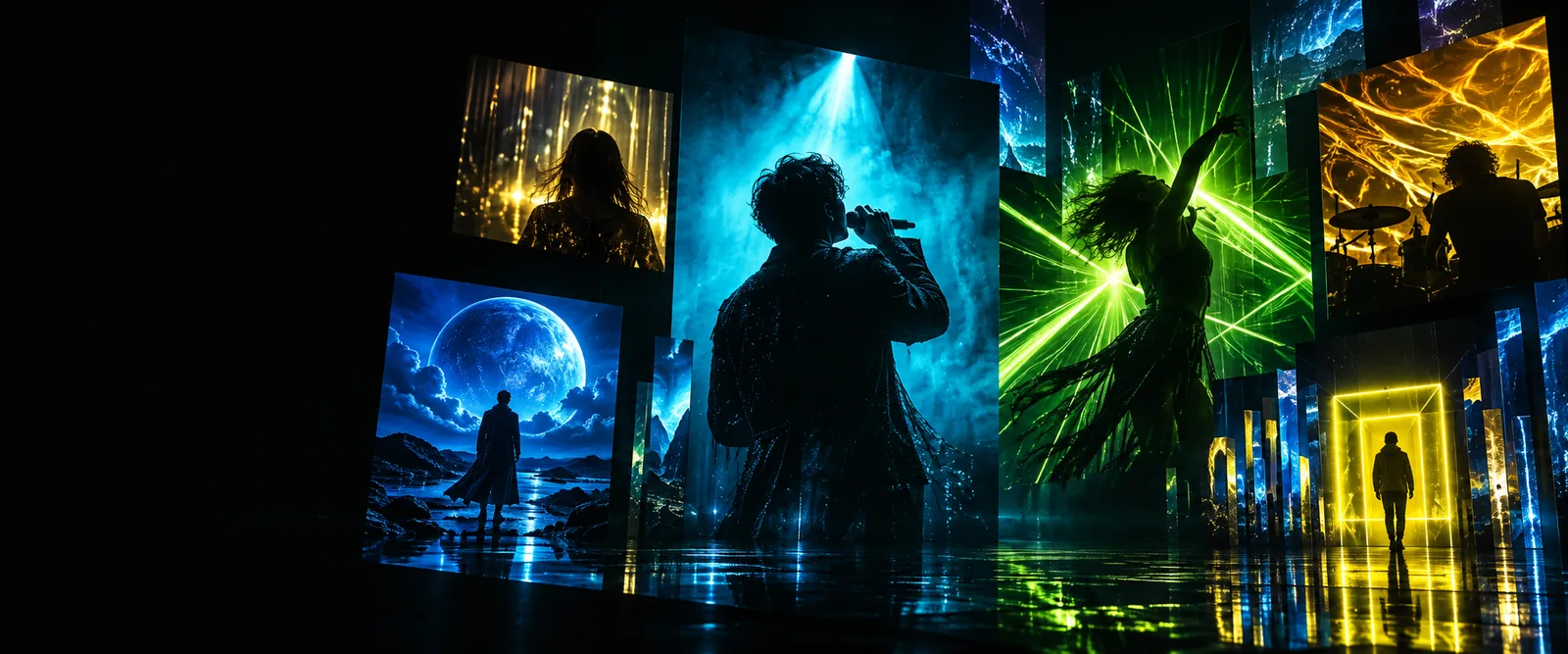
  • Colorful cinematic scene prepared as a music visual Art direction
    Workflow 4: Test a broader art direction before committing to a shot list. Input: palette and camera feel

Example output

A useful output gives a creative team something specific to discuss: who is on screen, what changes, where the eye moves, and how the scene supports the track. These persona examples show different starting points.

Independent singer

You have a finished chorus but no visual language for the performance. Start with a close-up, a defined light source, and one emotional gesture.

You get a focused reference for cover art, a lyric teaser, or the opening beat of a larger concept.
freebeat examples songs

Electronic producer

Your track is atmospheric and difficult to describe literally. Use a setting, a recurring symbol, and a controlled color contrast instead of a crowded plot.

You can compare several visual metaphors and select one direction for a visualizer or performance loop.

freebeat ai music video generator

Dance creator

You need a prompt that preserves movement rather than just describing a dancer. Specify posture, fabric, direction, lighting, and the intended energy.

The result becomes a rehearsal reference or a starting frame for a dance-led music visual.

freebeat examples songs

YouTube music channel

You want recurring visuals that feel related across uploads. Define a repeatable subject, palette, and framing before changing the episode-specific detail.

You create a more consistent visual identity for releases, teasers, and channel artwork.

free beat on YouTube

Compliance notes

Treat generated imagery as a creative draft and review it before publishing. The safest workflow keeps ownership, permissions, and platform rules visible from the first prompt to the final upload.

Early music video concept with an unfinished visual direction Refined music video concept with a clearer subject and palette

Loose direction

Use the slider to compare an open-ended concept with a more specific visual brief.

Focused direction

Turn an idea into a visual brief

The best Freebeat results begin with a concrete creative decision: a performer, a movement, a setting, or a symbol. Bring your song's mood and one strong visual instruction, then use the first result to decide what deserves more detail. You do not need a complete storyboard to begin; a focused prompt can reveal the direction worth developing.

Start with your next Freebeat concept

  • Name the subject before adding decoration
  • Describe movement as well as appearance
  • Review every output before publishing
Create a music concept

Scenario FAQ

Answers to common questions about using Freebeat examples as starting points for music visuals and creative briefs.

They are useful as starting points for music-video concepts, performance references, visualizers, teasers, and channel artwork. The examples help you see how a song mood or visual instruction can become a more concrete scene direction.

Describe the subject, setting, mood, lighting, camera feeling, and movement you want to explore. Start with one clear creative job, then change a single detail at a time so you can tell which instruction improved the result.

An example is best treated as a visual reference or first direction rather than proof of a finished production. Build from the strongest result, check continuity between scenes, and review the final material for rights, permissions, and platform requirements.

Any song with a recognizable mood, rhythm, or lyrical idea can provide a useful starting point. Electronic tracks may suit symbolic environments, while vocal or dance-led songs can benefit from a defined performer, gesture, and camera relationship.

Add details that belong to your project, such as a specific performance action, unusual location, recurring object, color rule, or shot style. A small number of distinctive constraints usually works better than a long list of unrelated visual adjectives.

Create a video
Create a video